


Dynamic Film Grain Presets
- Description
Organic Film Grain. Not Digital Noise.
Every other grain tool gives you noise. Flat, uniform, lifeless noise that sits on your image like a filter from 2012. Dynamic Film Grain gives you film. Luminance-responsive, format-matched, stock-specific grain that behaves exactly like silver halide crystals on celluloid.
Built on a 6-zone luminance mask architecture, these presets don't just add grain. They distribute it. Heavy in the shadows. Moderate in the midtones. Absent in specular highlights. Exactly how real film behaves, because real film grain isn't uniform, and yours shouldn't be either.
Real Film. Real Science. Real Beauty.
Each film stock was engineered from the ground up to replicate the actual grain characteristics of its analog counterpart. Not approximated. Not guessed. Not "inspired by." The grain particle size, frequency, distribution, and tonal interaction are all calibrated to match the physics of silver halide crystal formation in photographic emulsion.
- Kodak Color: Warm, clumpy T-grain particles. Large, organic, impressionistic. The look that defined editorial and cinema for decades.
- Fujifilm Color: Cool, tight, cubic micro-grain. Structured, precise, clinical. The precision instrument of color negative.
- Tri-X Mono: The photojournalist's film. Gritty, pronounced, unapologetic silver halide grain with punchy contrast.
- Acros Mono: Fuji's finest monochrome. Ultra-fine, high-frequency grain with technical precision.
- Fade: Expired, sun-faded negative character. Warm grain meets washed, degraded film aesthetics.
Format-Matched to Your Camera
Film grain is a physical constant. A silver halide crystal is the same size whether it's on a 35mm negative or a medium format sheet. On larger negatives, each crystal covers a smaller percentage of the frame. Dynamic Film Grain replicates this with 8 resolution tiers matched to your camera's sensor size:
- APS: up to 3K px (compact and APS-C sensors)
- 35mm: ~4.5K px (full-frame 12-16 MP)
- Super35: ~6K px (full-frame 20-26 MP)
- 645: ~7.5K px (full-frame 33-42 MP)
- MF: ~8K px (medium format 45-51 MP)
- MF+: ~9K px (medium format 51-65 MP)
- LF: ~10.5K px (high-res 80-102 MP)
- Ultra: 12K+ px (ultra-high-res 120+ MP)
Select the tier that matches your camera's long-edge pixel count. The grain scales proportionally, just like switching between film formats in the real world.
Two Intensities. Infinite Control.
Fine (ISO 100-200 equivalent): Elegant, barely-there grain. Felt, not seen. For weddings, portraits, beauty, fashion, branding, studio, food, and product work.
Heavy (ISO 800-1600 equivalent): Pronounced, editorial grain. Visible and intentional. For street, documentary, editorial, photojournalism, concerts, and travel.
Both intensities support the Amount slider (0-200%) for infinite fine-tuning. Fine at 150% gives you something between Fine and Heavy. Heavy at 40% gives you restrained editorial character.
Clean Grain. For Purists.
Want grain without any analog effects? The Clean collection delivers pure Kodak-character and Fuji-character grain with zero color contamination, zero tonal manipulation, and zero shadow effects. Just grain. Resolution-matched, luminance-responsive, and beautiful. For photographers who want to add texture on top of their own creative edits without anything else changing.
What's Included
- 112 Dynamic Film Grain presets organized into 7 collapsible groups
- Kodak Clean: 16 presets (8 tiers x Fine/Heavy)
- Fuji Clean: 16 presets (8 tiers x Fine/Heavy)
- Kodak Color: 16 presets with warm amber dye-cloud color contamination
- Fujifilm Color: 16 presets with cool cyan-green dye-cloud color contamination
- Tri-X Mono: 16 presets with photojournalistic B&W grain character
- Acros Mono: 16 presets with ultra-fine monochrome grain
- Fade: 16 presets with expired/faded negative aesthetics
How It Works
These are additive overlays. They stack on top of your existing edits. Apply your camera profile, your base preset, your tone curve, your color grading, then drop a Dynamic Film Grain preset on top. The grain layers over everything without destroying your creative work.
Works with Adobe Lightroom Classic 13.0+ and Lightroom CC 7.0+. Requires ProcessVersion 15.4 (advanced luminance range masking).
Engineered. Tested. Verified.
Every preset was built programmatically and verified against Lightroom's actual rendering engine across 6 rounds of ground-truth testing. Grain distribution, shadow-to-highlight ratios, zone transition smoothness, and tonal condition response were all measured computationally. This isn't guesswork. This is engineering.
Own it today. Add soul to every frame.
Clean Grain (Pure Texture)
- Kodak Clean: Large, sparse Kodak-character grain. No color effects. No tonal changes. Just grain.
- Fuji Clean: Tight, dense Fuji-character grain. No color effects. No tonal changes. Just grain.
16 presets each (8 tiers x Fine/Heavy). For photographers who want grain on top of their own edits without anything else changing.
Color Film Stocks
- Kodak Color: Warm, clumpy T-grain particles with amber dye-cloud color contamination. Large, organic, impressionistic. The look that defined editorial and cinema.
- Fujifilm Color: Cool, tight micro-grain with cyan-green dye-cloud contamination. Structured, precise, clinical. The precision instrument of color negative.
16 presets each. Full analog simulation with scan blur, shadow tone, and highlight rolloff.
Monochrome Film Stocks
- Tri-X Mono: The photojournalist's film. Gritty, pronounced, unapologetic silver halide grain with punchy contrast.
- Acros Mono: Fuji's finest monochrome. Ultra-fine, high-frequency grain with technical precision and smooth tonal rendering.
16 presets each. B&W grain character with desaturation built in.
Fade (Expired Film)
- Fade: Kodak grain character meets washed, degraded film. Warm amber contamination with lifted blacks, crushed highlights, and pushed saturation. The expired negative look.
16 presets. Includes the Fade Push zone that clips RGB channels and lifts the black point for authentic degradation.
Resolution Tiers
Select the tier matching your camera's long-edge pixel count:
- APS: up to 3K px (compact and APS-C sensors)
- 35mm: ~4.5K px (full-frame 12-16 MP)
- Super35: ~6K px (full-frame 20-26 MP)
- 645: ~7.5K px (full-frame 33-42 MP)
- MF: ~8K px (medium format 45-51 MP)
- MF+: ~9K px (medium format 51-65 MP)
- LF: ~10.5K px (high-res 80-102 MP)
- Ultra: 12K+ px (ultra-high-res 120+ MP)
How does this work with my existing presets?
Dynamic Film Grain presets are additive overlays. Apply your camera profile, your base preset, your tone curve, your color grading first. Then drop a grain preset on top. The grain layers over everything without destroying your creative work. The Amount slider (0-200%) lets you dial the intensity to taste.
Requirements
- Adobe Lightroom Classic 13.0+
- Adobe Lightroom CC 7.0+
- Adobe Camera Raw 17.0+
- ProcessVersion 15.4 (advanced luminance range masking)
How is this different from Lightroom's built-in grain?
Lightroom's grain slider applies uniform noise across the entire image at a single intensity. It does not respond to luminance, does not vary by film stock, and does not scale with resolution. Dynamic Film Grain maps grain to 6 luminance zones, replicates the physics of 5 real film emulsions, and matches grain density to your sensor's pixel count. It is a fundamentally different technology.
Is this a one-time purchase?
Yes. One purchase gives you all 112 presets permanently. No subscriptions, no recurring fees, no expiration. Install once and they are yours forever, including any future compatibility updates.
Which resolution tier do I need?
Check your camera's long-edge pixel count in Lightroom (visible in the Develop module metadata panel). Match it to the closest tier. Most modern full-frame cameras (24-45 MP) fall in the Super35 to 645 range. Medium format shooters typically need MF or MF+. If you are unsure, choose the tier closest to your pixel count — the grain will scale correctly.
Do I need all 112 presets?
You will likely use 4-8 regularly: your preferred stock in your camera's tier, in Fine and Heavy. The full set gives you every combination so you can experiment freely and always have the right tool for the job. Many photographers start with Kodak Color at their tier and branch out from there.
Organic Film Grain. Not Digital Noise. Engineered. Tested. Verified.
Complete the look:

About the preset designer
Paul Von Rieter is a Fujifilm global ambassador, a celebrated film and digital medium-format editorial photographer, and a lifelong student of analog processes. His obsession with real film grain, silver halide crystal behavior, and the physics of light on celluloid drove the creation of Dynamic Film Grain, the most technically accurate grain simulation ever built for Lightroom.
All photographers know the same quiet frustration Paul once faced: the image in your mind looks editorial, polished, and cinematic... but the color coming out of Lightroom never fully matches that vision. As a film-born artist working in both film and digital medium format, Paul knew exactly how he wanted his work to feel: clean skin, natural greens, honest color, and that unmistakably elevated editorial finish. But no preset on the market delivered what he saw in his head.
He tried everything.
He even collaborated with several leading preset companies, hoping the right partnership could translate his aesthetic into reliable tools. The results always fell short. The technology simply couldn't produce the depth, accuracy, or consistency he demanded from his own work.
So Paul took a different path, one grounded in curiosity, discipline, and a need to understand color at its core.
He stepped away from the existing preset landscape entirely and immersed himself in color science. For months he worked in near isolation, studying a thousand-page text, working on a perfectly calibrated display, and consulting with some of the world's foremost color scientists. After more than 45,000 RAW test files spanning nearly every major camera system, he uncovered something no preset brand had achieved.
To create truly editorial color, he had to build the palette outside Adobe's ecosystem first.
Only after crafting those tones from scratch could he then engineer them back into Lightroom's architecture, coaxing the software into rendering color more beautifully, faithfully, and intentionally than it was ever designed to.
That breakthrough became The Editorial Edit.
Every preset pack Paul releases is rooted in that same process: ground-up, film-inspired tools crafted for photographers who care about intention, precision, and modern editorial nuance. These aren't generic filters or shortcuts. They are the exact tools Paul uses to create the work that defined his career.
Today, The Editorial Edit is used by thousands of photographers around the world who want their images to look deliberate, elevated, and memorable, matching the vision they see in their mind with the color they see on their screen.
Your work deserves to look as striking and intentional as it feels. The Editorial Edit exists to make that possible.
You can find Paul @Paulvonrieter on most social media platforms.

Paul Von Rieter with his Fiancé Taylor, Photographed by Joel Serrato
No more compromises.
Until now, adding film grain to your photos meant leaving Lightroom. Third-party plugins. Photoshop layers. Export-and-reimport workflows. Or settling for Lightroom's flat, uniform noise slider that looks nothing like real film.
Dynamic Film Grain changes that. For the first time ever, luminance-responsive, film-accurate grain runs natively inside Adobe Lightroom. No export. No plugins. No compromises. Just drop a preset on your image and the grain appears exactly where it should — heavy in the shadows, delicate in the midtones, absent in the highlights — the way real silver halide crystals behave on celluloid.
We did not guess at this. We studied each film stock individually — Kodak, Fuji, Ilford — analyzing the physical grain structure, dye-cloud behavior, and tonal characteristics that make each emulsion unique. Then we rebuilt that physics inside Lightroom's architecture, one luminance zone at a time.
The result is an industry first: real film grain that works where you already edit.

FILM STOCKS
7 Distinct Grain Collections
Every stock in DFG was built from the real thing. We studied the physical grain structure of each film emulsion — the size and clustering of silver halide crystals, the color contamination from dye clouds, the way each stock renders shadow tone and highlight rolloff differently.
Kodak is warm, clumpy, and impressionistic. Fuji is cool, tight, and clinical. Tri-X is gritty and unapologetic. Acros is ultra-fine and technical. Fade replicates the look of expired, degraded negatives. Two clean variants deliver pure texture with zero analog color effects.
This is not a generic noise overlay with a film name slapped on it. Each stock is a faithful recreation of how that emulsion actually looked on celluloid.

RESOLUTION MATCHING
Matched to Your Sensor
A silver halide crystal on Tri-X is the same physical size whether you shoot 35mm or medium format. On larger negatives, each crystal covers a smaller percentage of the frame, so the grain appears finer.
Dynamic Film Grain replicates this with 8 resolution tiers from APS (3K pixels) to Ultra (12K+ pixels). Select the tier that matches your camera. The grain scales proportionally, just like switching between film formats in the real world.
Fine (ISO 100-200): Elegant, barely there. For weddings, portraits, beauty, fashion.
Heavy (ISO 800-1600): Pronounced and intentional. For street, documentary, editorial.
A Lightroom First.
Every other grain tool on the market requires you to leave Lightroom. Export to Photoshop. Apply a texture layer. Re-import. Hope it still looks right.
Dynamic Film Grain is the first grain system that runs entirely inside Adobe Lightroom. One click. No export. No plugins. No layers. It stacks on top of your existing edits without touching your tone curve, your color grading, or your creative decisions.
Under the hood, a 6-zone luminance architecture maps grain intensity to brightness — maximum in deep shadows, tapering through midtones, virtually absent in specular highlights. The same physics that governs real silver halide crystals on celluloid, rebuilt natively inside Lightroom's processing engine.
The grain you have been trying to get through workarounds — you can now get in one step, right where you already work.
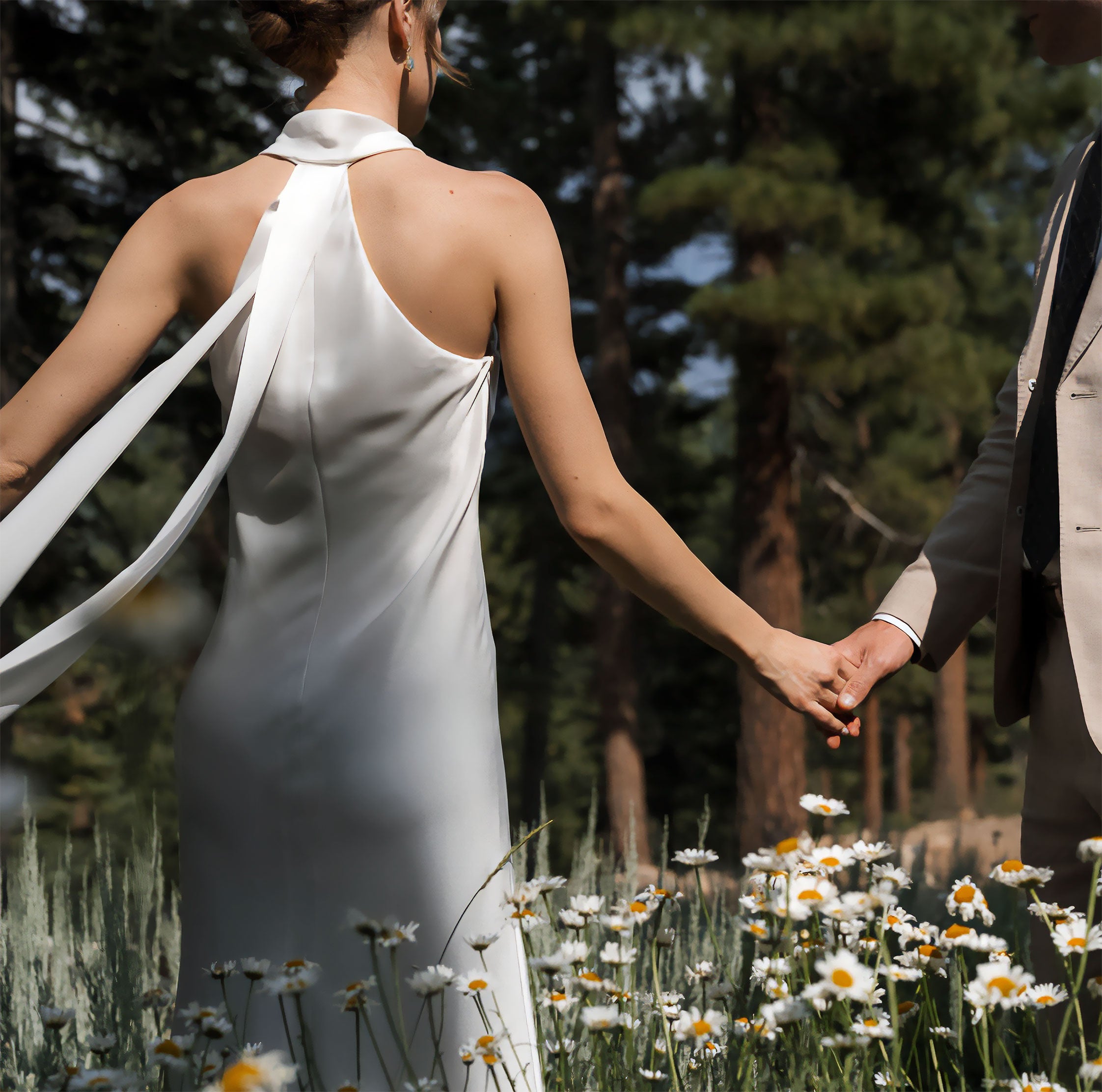
"THESE PRESETS ARE LIKE MAGIC!"
"My go-to editing companion. They have transformed the way I approach photo editing. They read my mind on the exact tones I'm envisioning for my images. They are clean yet still visually interesting. With The Editorial Edit, you will get true-to-life colors that remain timeless."
- LAURA MURRAY

TECHNOLOGY
100% Native to Lightroom
No plugins. No Photoshop. No export-and-reimport. Dynamic Film Grain runs entirely inside Adobe Lightroom using advanced luminance range masking. The first grain system that works where you already edit.

TECHNOLOGY
Built from Real Film
Every grain texture was studied from actual film emulsions — silver halide crystal structure, dye-cloud contamination, tonal rolloff. Not sampled. Not approximated. Rebuilt from the physics up.

TECHNOLOGY
Stacks on Your Work
DFG presets are additive overlays. Apply your camera profile, your base preset, your color grade first. Then drop grain on top. It layers over everything without touching your creative decisions. The Amount slider lets you dial it from subtle to cinematic.
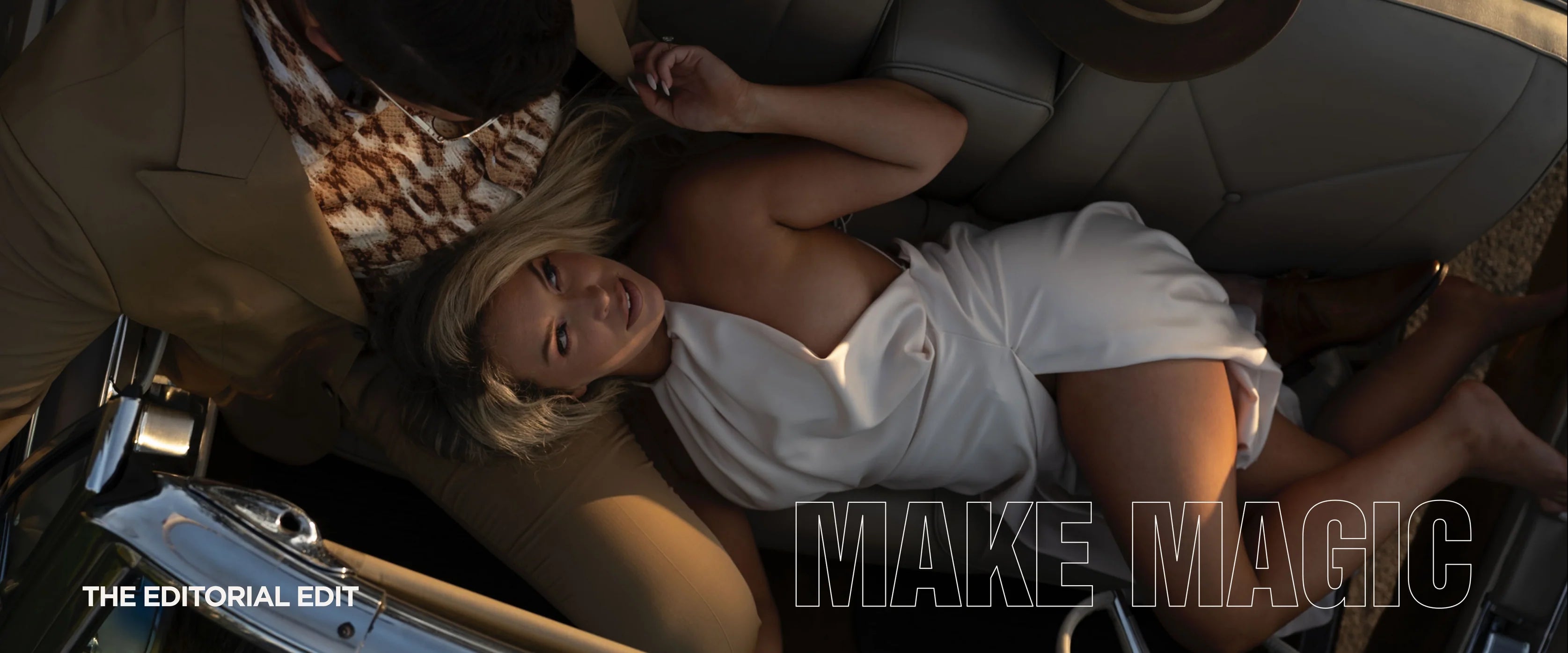

Own it today. Add soul to every frame.
112 presets. 7 film stocks. 8 resolution tiers. Built from real film. Runs natively in Lightroom. No export. No plugins. No compromises.
FRIENDLY NOTE
Terms of sale
Our products are digital, which means all sales are final. We can't offer refunds, exchanges, or cancellations. But we get it: too many presets promise the world and leave you disappointed. Ours don't. If you want proof before you commit, click 'Try' in the menu to see them in action. No surprises, no regrets. By completing your purchase, you acknowledge and agree to these terms.