
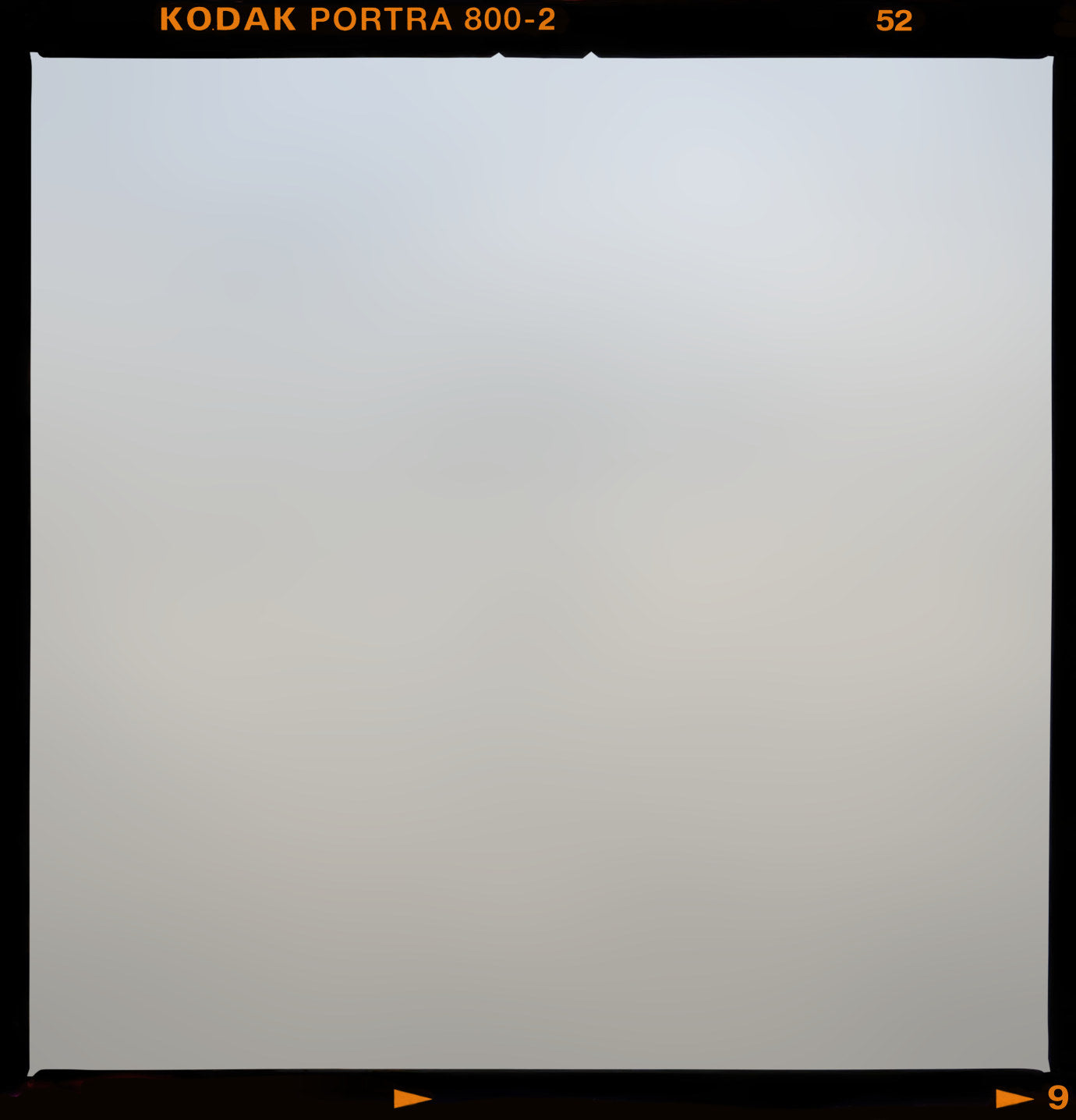
Medium Format
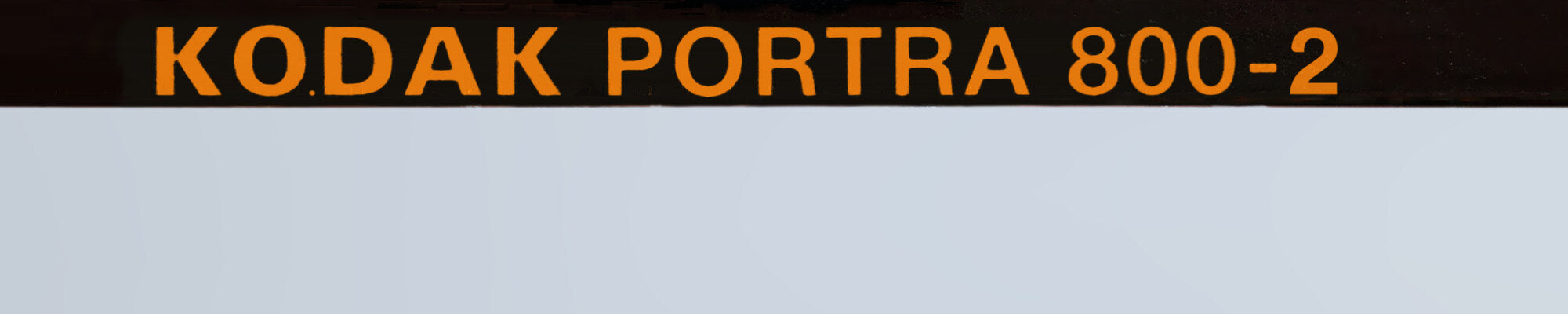
Borders from 120 film. Portrait and landscape 4x5, square 1x1 and a few 4x3. The film stock is in the frame's name.
49Frames
147Presets
01 to 09Groups


Film frame borders that live inside Lightroom Classic as presets. No Photoshop, no overlays. One click puts a frame on, and nothing is burned in, so you can take it off any time.
Pro MAX is huge. 633 presets is a lot for Lightroom to carry. Use Manage Presets in Lightroom to show only the groups you're using, or it will slow Lightroom down.
We recommend Pro. If you want more frames down the road, Pro MAX installs right on top of it. The lighter packs work great too, and if Pro isn't in the cards right now, the Contax 645 packs are our favorite.
Made for Lightroom Classic 15.1 or newer.
Raw and JPEG files. Current Lightroom, Lightroom mobile and Camera Raw support the same masks, so the presets should work there too.
Lightroom Classic 15.1 or newer. Older versions of Classic refuse the files on purpose, so you never get a frame that's only half drawn.
Current versions of Lightroom, Lightroom mobile and Camera Raw support the same masks the frames are built on, so they should work there too. Our testing has been in Classic.
Any raw or JPEG file.
On a Mac, tEE Studio installs your pack. Download it from the link in your order email, sign in with the email you bought with, and click Install.
On Windows, or if you'd rather not use the app, email info@theeditorialedit.com with your order number and we'll help you get set up. The packs are too large to include as a manual download.
Single-photographer license: non-exclusive and non-transferable, for your own personal and professional work. Please don't share, resell or redistribute the presets. Full details in our Terms of Service.
On a Mac, tEE Studio delivers and installs your pack. On Windows, or without the app, email info@theeditorialedit.com and we'll help you install. tEE Studio finds your pack by the email on your order. Digital product: all sales are final.
01 · What it is
A film border used to mean Photoshop, a PNG overlay and a layer that never quite lined up. tEE Film Frames Pro puts 106 frames in the Develop module, next to the presets you already use.
Click a frame and the film edge, the soft border and the fine print are on your photo. Delete All Masks removes the frame and any other masks. Your other edits stay.
Every frame is a develop preset. It lives in Lightroom with the rest of your edit.
A frame is a set of Lightroom masks. Delete the masks and it's gone.
Frames work through their own local masks. Exposure, color and every global slider stay where you set them.
The frames are built on one of Lightroom's newest masking features, so older versions can't draw them.
02 · Before and after
Drag across. Left is the edit as it was. Right is the same edit with a Medium Format frame in the Leak finish.

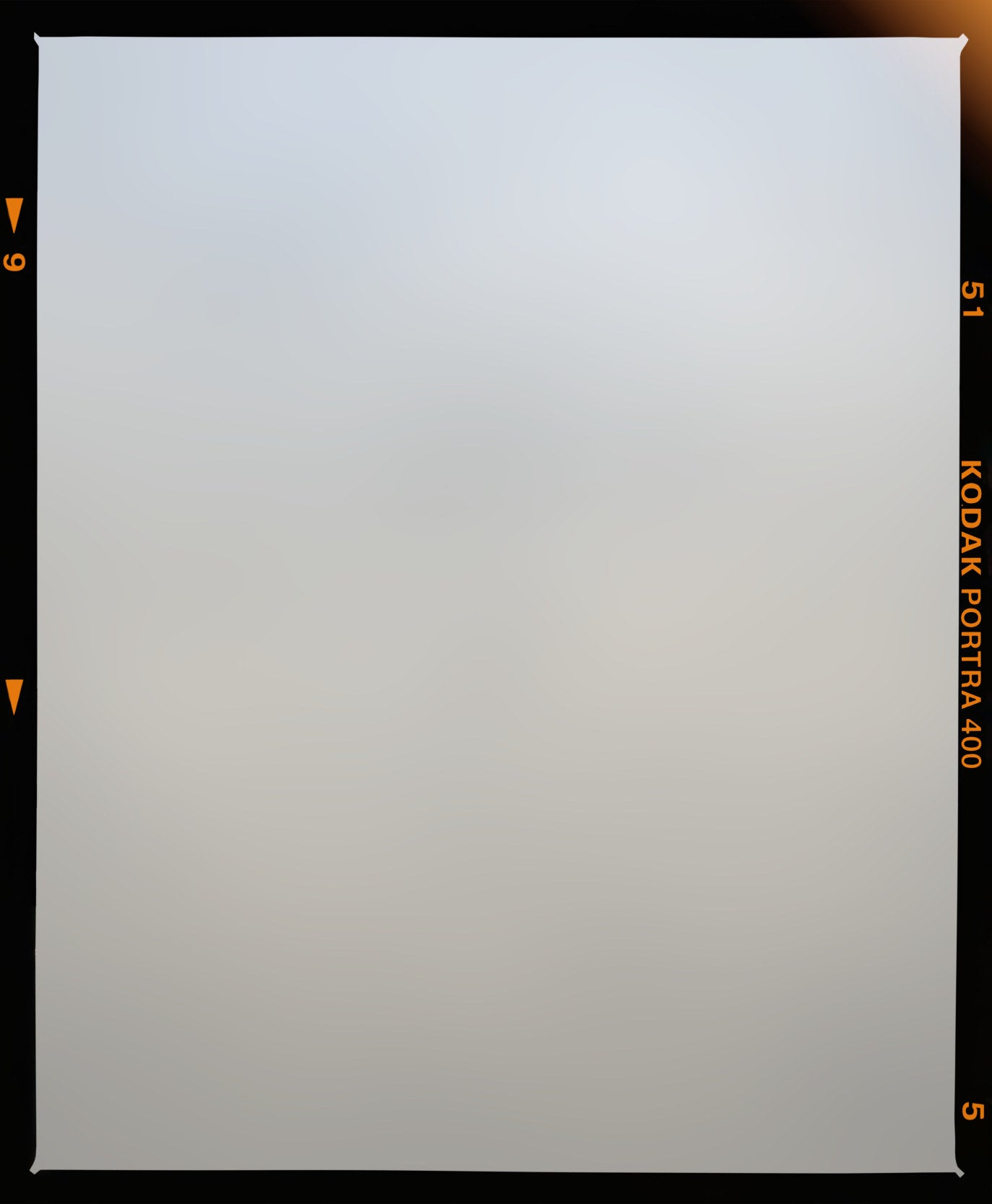
03 · Finishes
Each of the 106 frames comes in Clean, Leak and Dust Scratch Leak. Pick per photo.
The frame by itself: its lettering, its edge, its character. Nothing added. This is the one for client galleries.
Clean plus a warm leak at the edge, the glow you get when the camera back wasn't quite sealed.
The leak, plus dust, fine scratches and a little haze. Looks like the negative spent a year in a shoebox.
04 · Families
Medium Format for the 120 border, Contax 645 for the edge with the exposure imprint, Creative for the frame without film branding.
Borders from 120 film. Portrait and landscape 4x5, square 1x1 and a few 4x3. The film stock is in the frame's name.

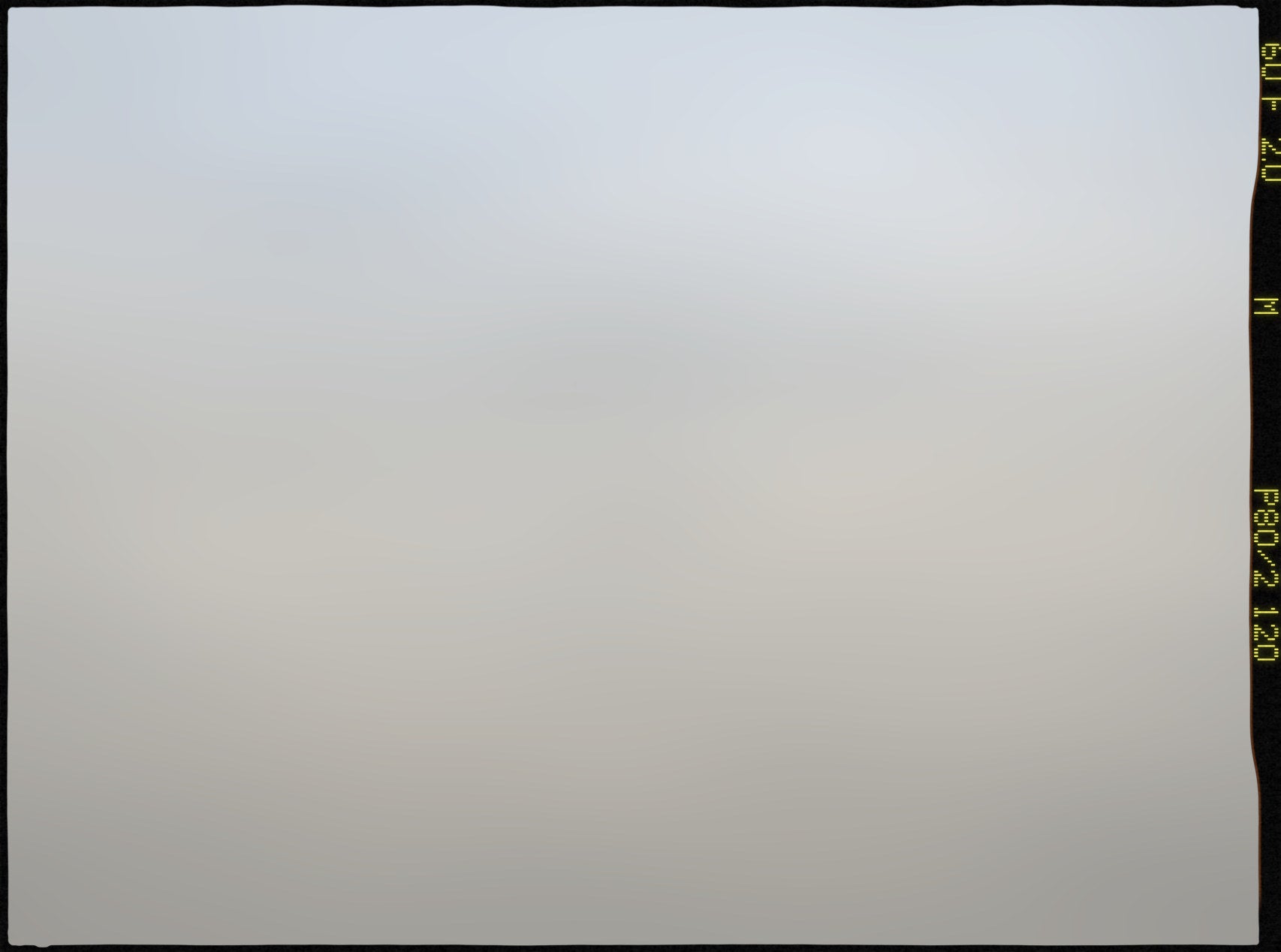
The 6x4.5 cm edge in 4x3, with the camera's exposure imprint down the side. On Kodak and on Fuji.
Plain frames in 4x5 and 4x3. The edge character without the lettering, so nothing competes with your own brand.
05 · Contax 645
The Contax 645 prints each exposure onto the film edge. These frames carry that print, measured dot by dot from Contax 645 scans, on two film stocks and at three scan depths. Pro has 48 of them. Pro MAX has all 144.
Shutter speed, aperture, then the lens: 180 F 2.0, M, P80/2 120. Same 5 by 7 dot matrix and the same lemon yellow, measured from our own lab scans. Readings run from 30 to 500 and F 2.0 to F 8.0. Every section has at least one frame shot wide open at F 2.0 (we checked).
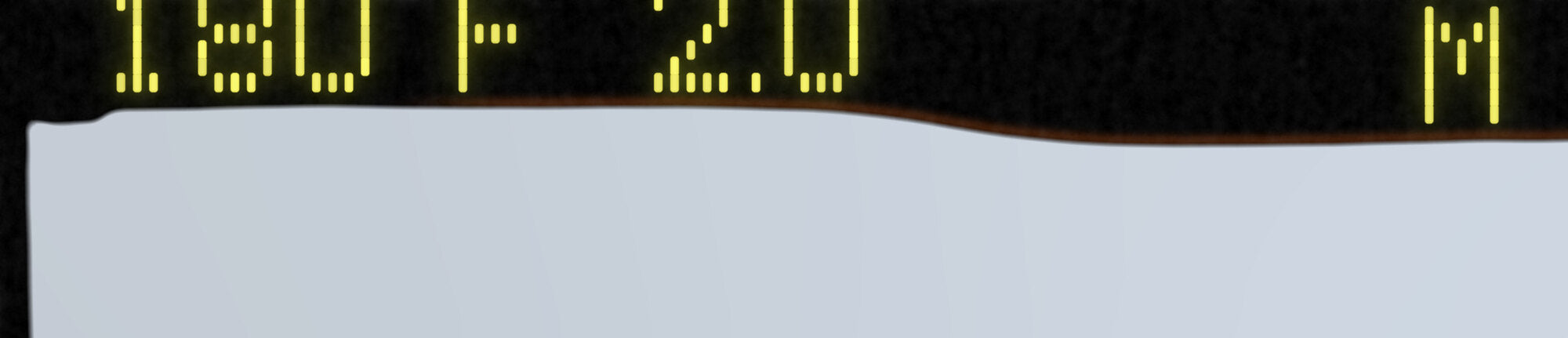
Each design comes in three fits. Pick how much film edge you want.
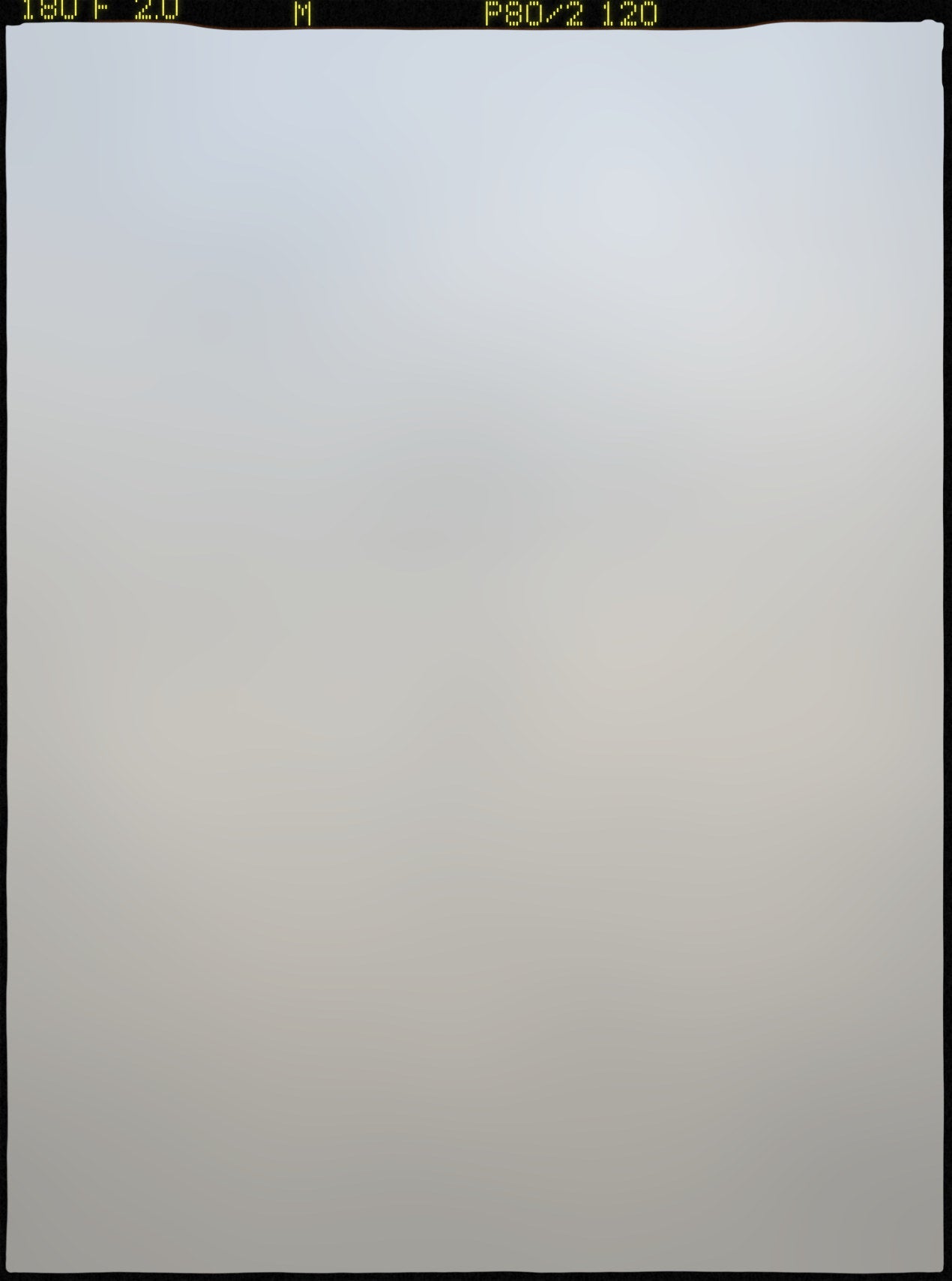
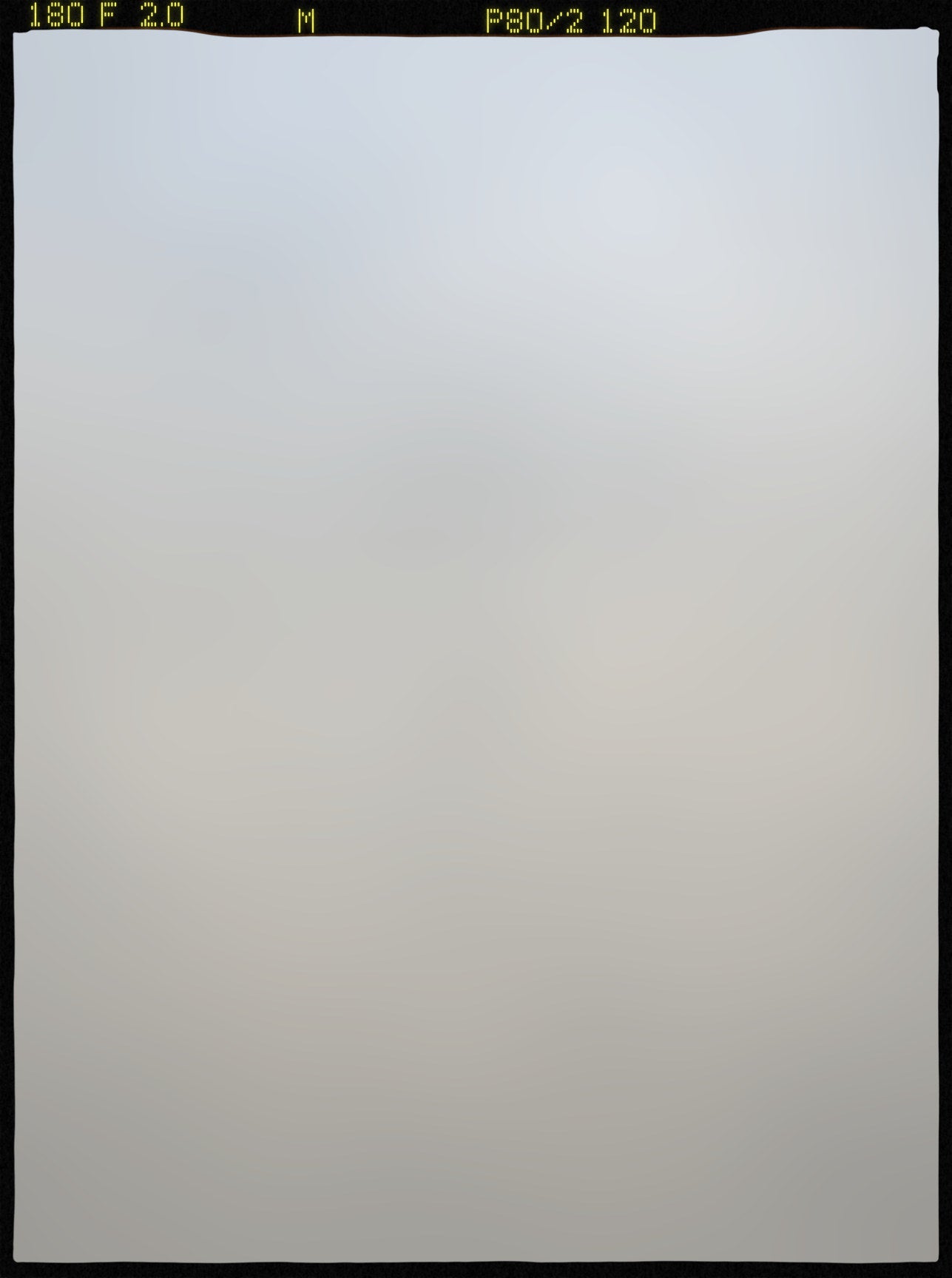
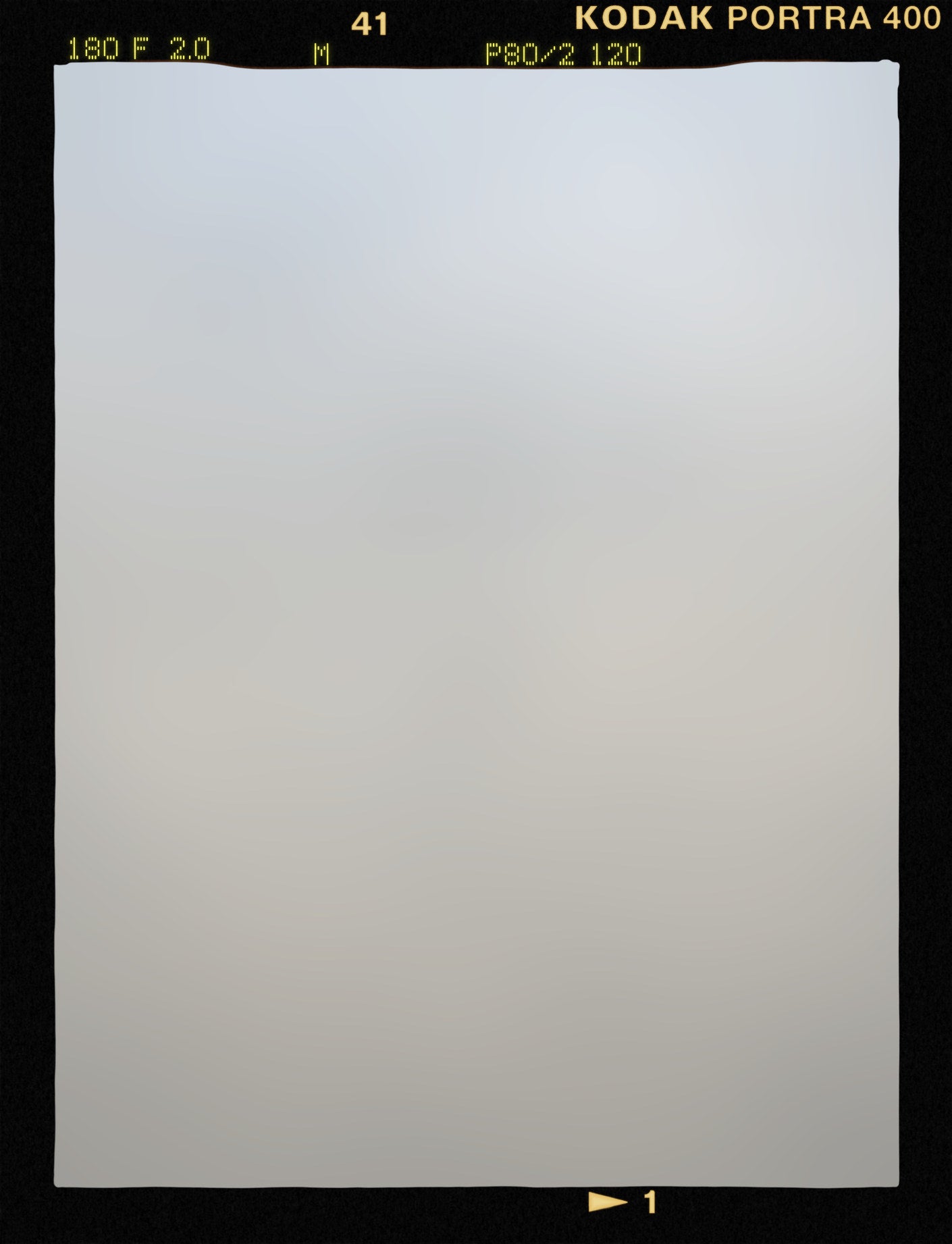
Kodak and Fuji print their edge text in different places, and the frames follow. The print also shifts from frame to frame the way it does down a roll, spaced from a 16-frame strip.


Portrait frames also come flipped, with the imprint on the other edge, for the shots where you held the camera the other way.
Only want Contax? C 645 Kodak and C 645 Fuji are sold as packs of their own.
Contax, Kodak, Portra, Fujifilm and PRO400H are trademarks of their respective owners. tEE is not affiliated with or endorsed by them.
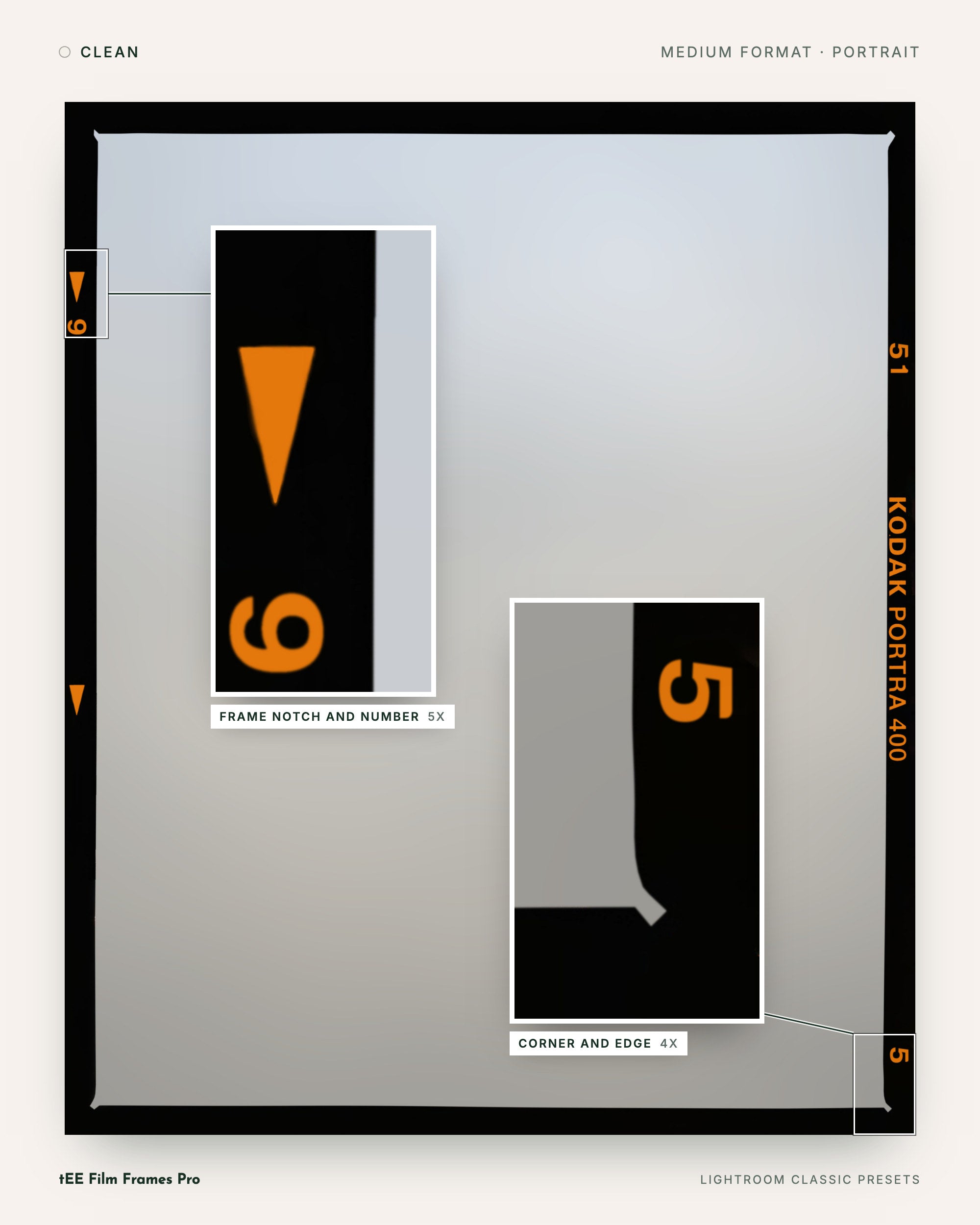
06 · Up close
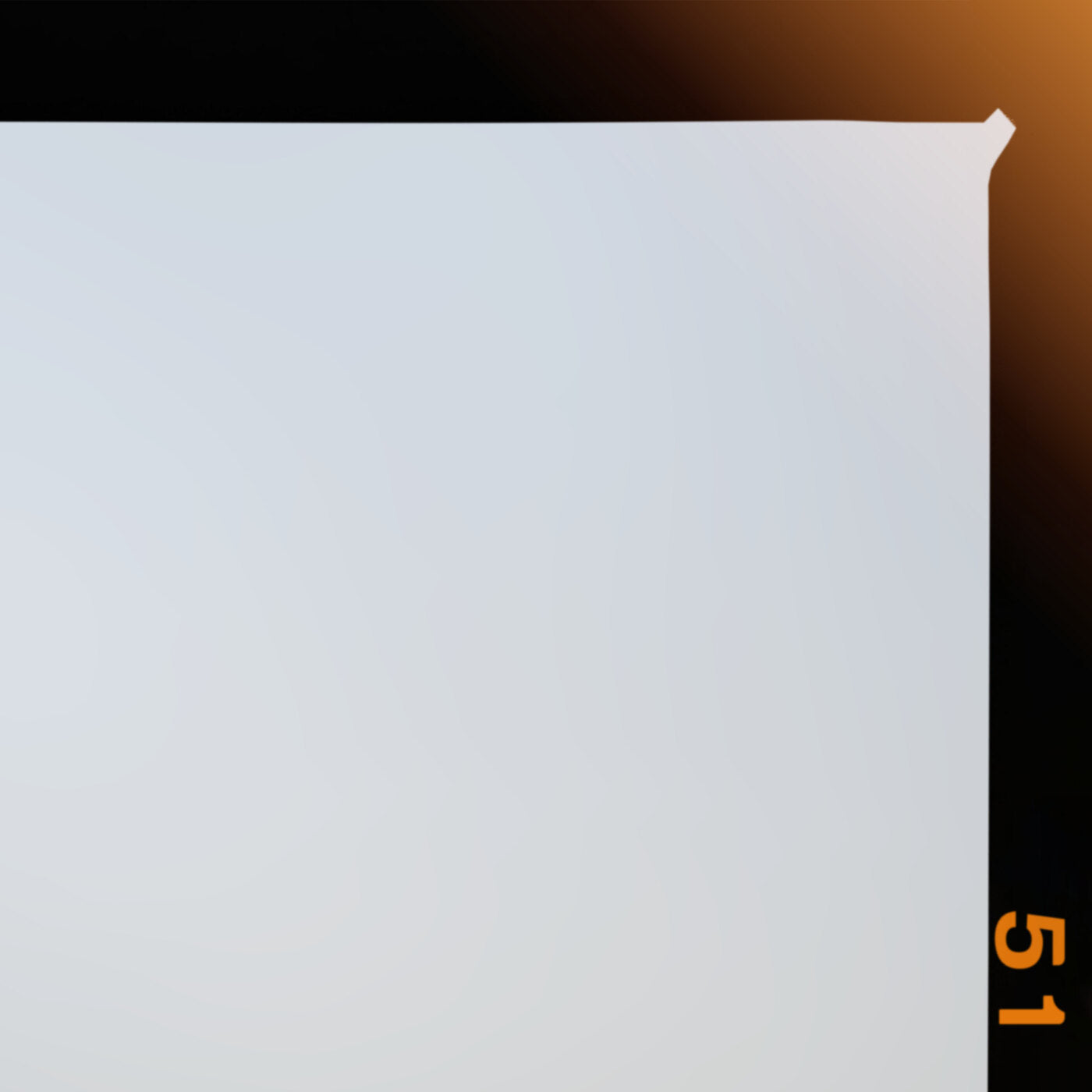
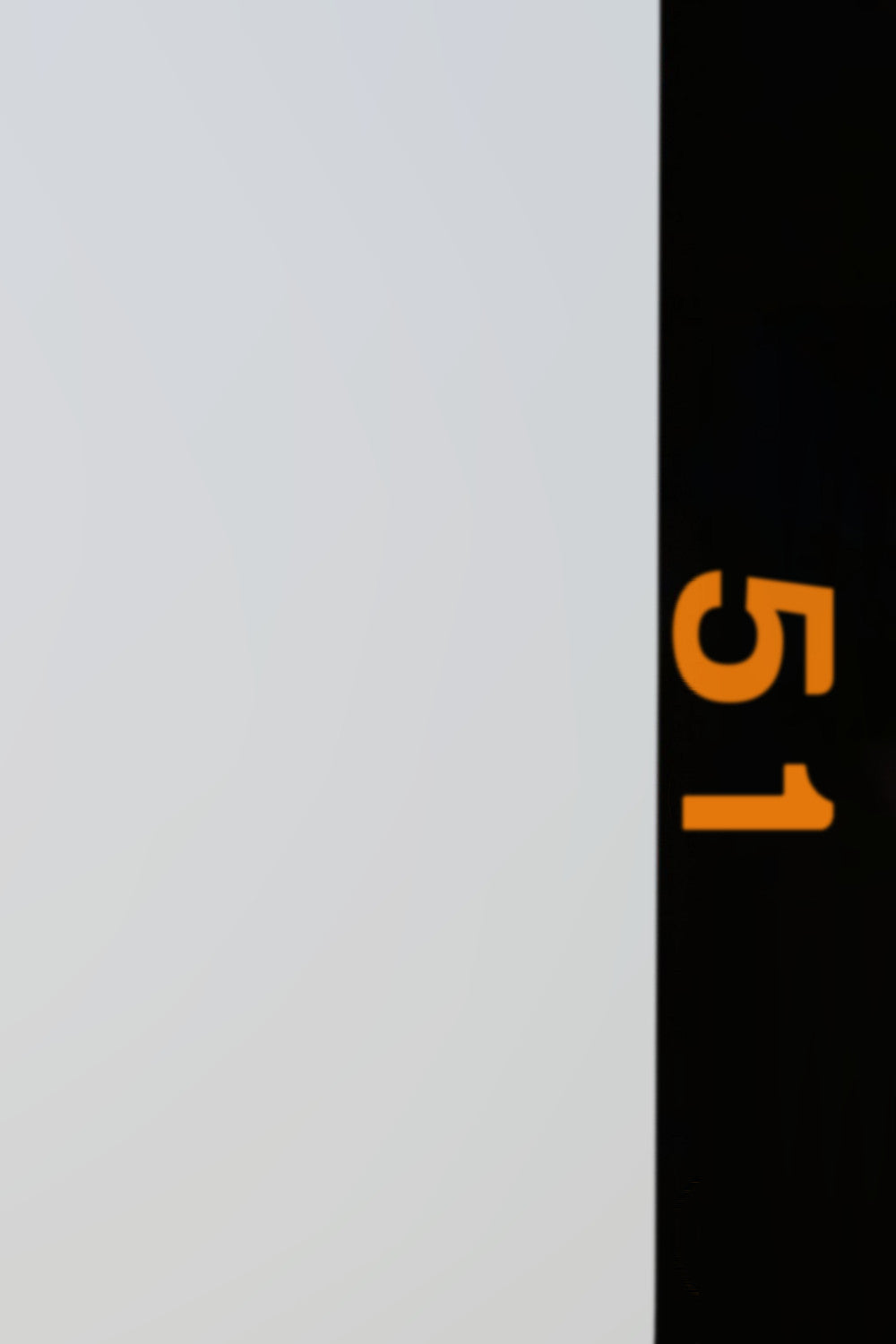
The film edge, the leak, the imprint and the dust are all drawn with Lightroom masks. There's no image pasted on top.

07 · How they're made
The Medium Format frames start as scans of film frames. Each one was rebuilt in Lightroom's own masks and checked against its scan until it matched. That's as close to a film border as Lightroom will draw.
The Medium Format frames start as film frame scans, 7,000 to 11,300 pixels on the long side. The Contax 645 frames are drawn from measurements of Contax 645 scans and a 16-frame strip.
Each scan became a recipe: the contour, the edge profile, the border tone, the glow and every ink. Lightroom draws the frame from that recipe with its own masks. No image sits on your photo.
A frame moved on only after it matched its scan: the edge within half a pixel along 99% of its length, ink color within 1 ΔE. Worst edge in the final run: 0.13 of a pixel.
The edge print is stamped from letter shapes taken from the scans. The Contax imprint is the camera's 5 by 7 dot matrix. There are no font files in the collection.
Ink colors come from the scans and were checked again in Lightroom exports. Contax print color lands at a median of 0.94 ΔE from target.
Every frame was applied in Lightroom Classic, exported and measured against its target. Then fixed and run again, until it held.
Built on one of Lightroom's newest masking features.
It's nothing short of witchcraft.
08 · How it works
On a Mac, tEE Studio installs your pack. Download it from the link in your order email, sign in with the email you bought with, and click Install.
On Windows, or if you'd rather not use the app, email info@theeditorialedit.com with your order number and we'll help you get set up. The packs are too large to include as a manual download.
Crop to the frame's shape: 4x5, 1x1 or 4x3. Lightroom stretches a frame to fit the photo.
In the Presets panel, open a group by its dot (tEE FFP 01 and up) and click a frame. Try the other finishes.
Right-click a mask and choose Delete All Masks. The frame goes, along with any other masks on the photo. Your other edits stay.
With the frame on, you can still crop tighter or rotate a degree or two, like a negative that went into the scanner crooked. The frame moves with the photo. Totally up to you.
09 · Inside Lightroom
In Pro and Pro MAX, all 18 groups sit together in your Presets panel, FFP 01 to FFP 18, right after Dynamic Film Grain. Each group is one family, one shape and one finish. Tap through the screenshots.

FFP 01 open: Medium Format portrait frames in Clean, split by film with dividers.
10 · Why so many
"Of course, we could have just made the pack smaller. But who wants that? More is always better, right?"
Paul Von Rieter
The real reason for the count: your frame shouldn't be the one your neighbor is posting. Up to 211 frames in three finishes each makes that unlikely. Keep all of it, and show only what you need today.
Nothing is deleted. In our testing, this gives a vast improvement in how fast the presets, and Lightroom in general, respond.
In Pro
11 · The collection
Get Pro unless you know you want less, or everything. Any mix installs side by side without duplicates, and Pro MAX goes right on top of Pro.
| Pack | Presets | Frames | Families | Groups | Download | Price |
|---|---|---|---|---|---|---|
| tEE Film Frames ProRecommendedThis pack | 318 | 106 | MF, Contax 645, Creative | FFP 01 to 18 | 158 MB | $199 |
| tEE Film Frames Pro MAXThis pack | 633 | 211 | MF, Contax 645, Creative | FFP 01 to 18 | 328 MB | $299 |
| tEE Film Frames MF and CreativeThis pack | 174 | 58 | MF, Creative | FFP 01 to 09, 16 to 18 | 80 MB | $97 |
| tEE Film Frames C 645 KodakThis pack | 72 | 24 | Contax 645 (Kodak) | FFP 10 to 12 | 39 MB | $79 |
| tEE Film Frames C 645 FujiThis pack | 72 | 24 | Contax 645 (Fuji) | FFP 13 to 15 | 39 MB | $79 |
Every family and every finish, 106 frames. It's the three smaller packs combined (174 + 72 + 72 = 318), and Pro MAX can go on top later.
All 211 frames and 633 presets, every Contax variant included. Hide the groups you don't need.
Buy one pack now, add another later. A preset is the same file in every pack, so Lightroom never doubles up.
12 · Compatibility
Made for Lightroom Classic 15.1 and newer. Current Lightroom, Lightroom mobile and Camera Raw run the same masks, so the presets should work there too. We haven't tested those yet.
13 · Questions
No. A frame works through its own local masks. Exposure, color and the rest of your edit stay exactly as you set them.
Any time. Right-click a mask in the Masking panel and choose Delete All Masks. The frame goes, along with any other masks on the photo. Your other edits stay.
Lightroom stretches a frame to fit, so a 4x5 frame on a 3:2 photo gets squished. Crop to the frame's shape first (4x5, 1x1 or 4x3), then click the frame.
Both. Any raw or JPEG file works.
Lightroom Classic 15.1 or newer. Older versions refuse the files on purpose, so you never end up with a frame that's only half drawn.
It should. Current versions all support the masking the frames are built on. Our testing has been in Lightroom Classic 15.1 and newer, so that's the setup we can vouch for.
Pro is cut from the full 633-preset collection without renumbering, so there are gaps. That's what lets every pack install side by side without duplicates.
On a Mac, tEE Studio installs Pro MAX and removes the Pro folder for you.
Hide the groups you're not using: click the + at the top right of the Presets panel, choose Manage Presets, untick what you don't need and click Save. Nothing is deleted. In our testing, this gives a vast improvement in how fast the presets, and Lightroom in general, respond.
On a Mac, tEE Studio installs your pack. Download it from the link in your order email, sign in with the email you bought with, and click Install.
On Windows, or if you'd rather not use the app, email info@theeditorialedit.com with your order number and we'll help you get set up. The packs are too large to include as a manual download.
Pro MAX: a 328 MB download, about 970 MB installed. Pro: 158 MB, about 440 MB. MF and Creative: 80 MB, about 200 MB. C 645 Kodak or Fuji: 39 MB, about 120 MB each.
14 · Get it
Five packs, from 72 to 633 presets, inside Lightroom Classic. No Photoshop, no overlays, nothing burned in.